


$59.99 – $349.99Price range: $59.99 through $349.99
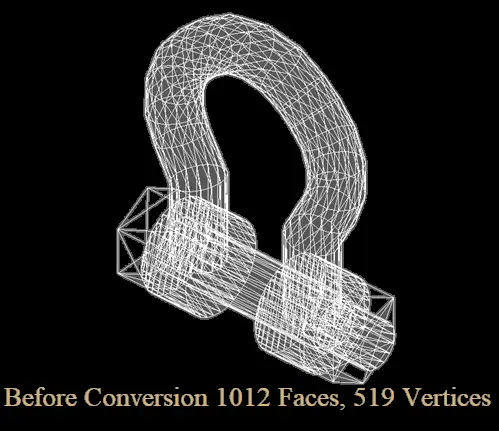
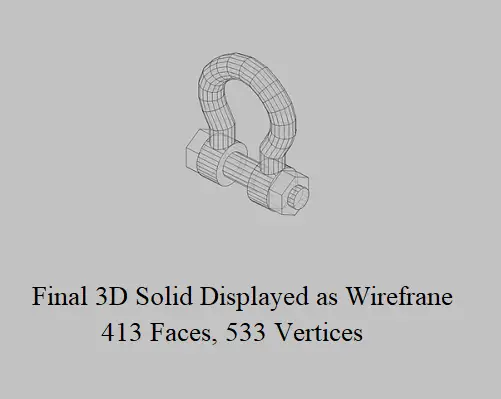
Repair and convert difficult AutoCAD Mesh and Polyface Mesh objects into verified 3D solids. Version 3.0 repairs common defects including gaps, invalid faces, inverted normals, T-junctions and non-manifold edges, and processes multiple selected objects in one operation. Trial mode lets you verify your own meshes before purchasing.
Compatible with Autodesk® AutoCAD® 2025, 2026 and 2027, including compatible vertical products.
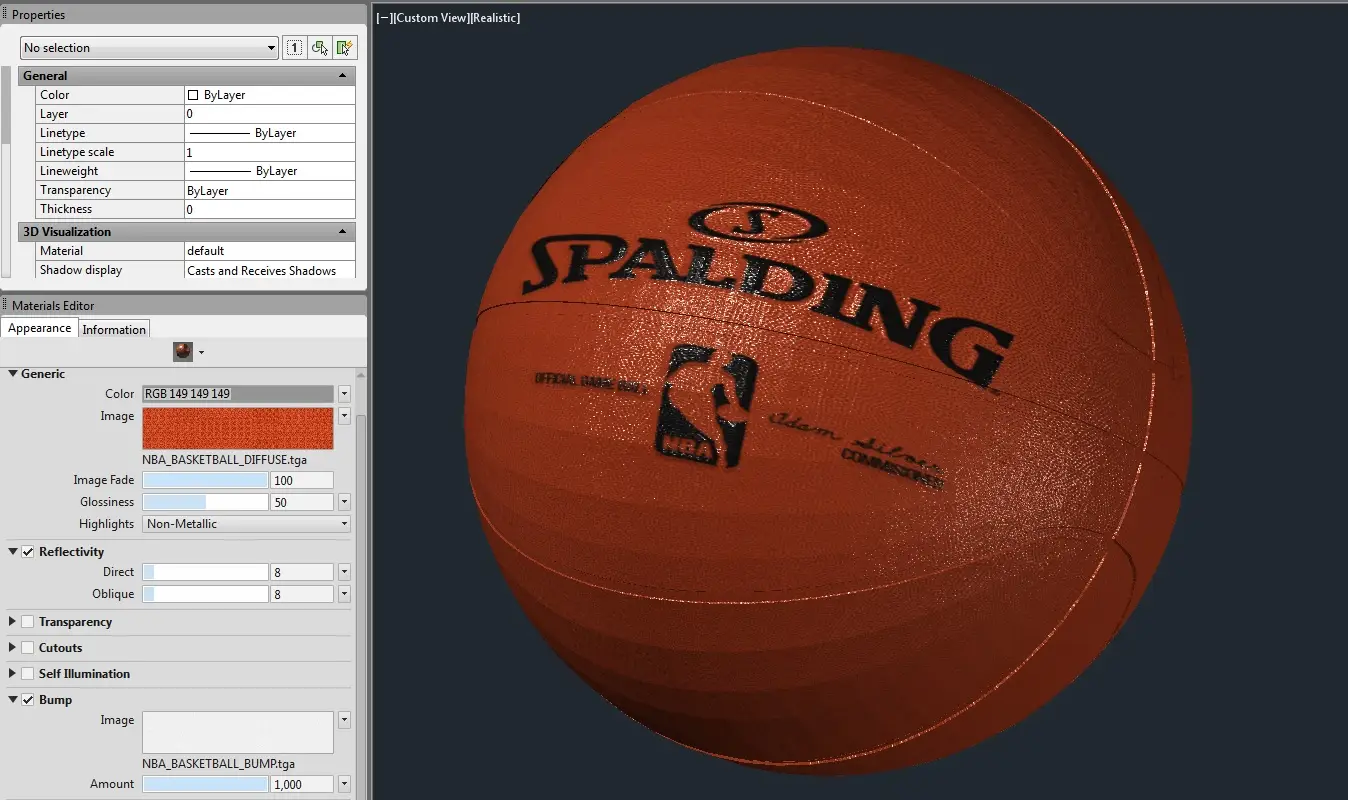
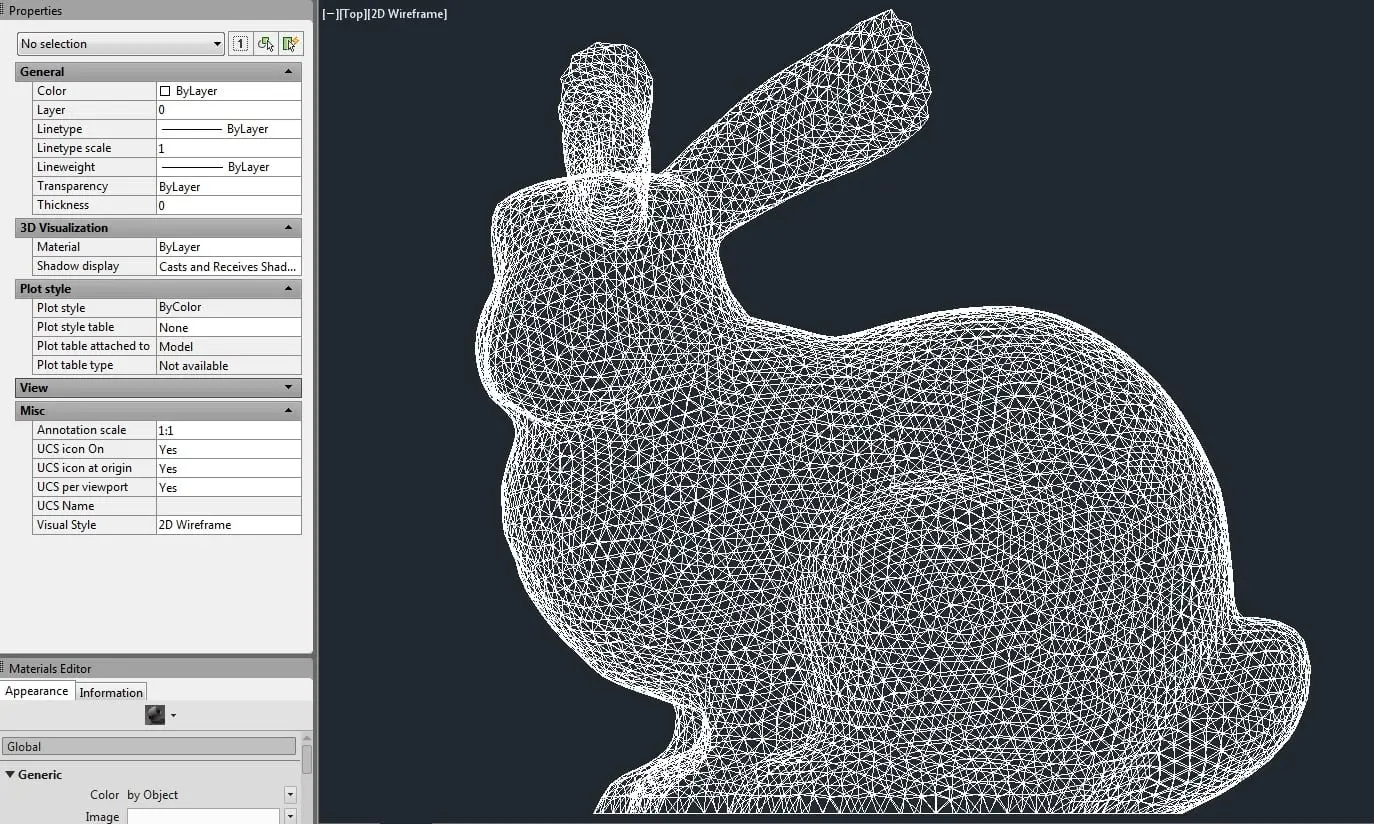
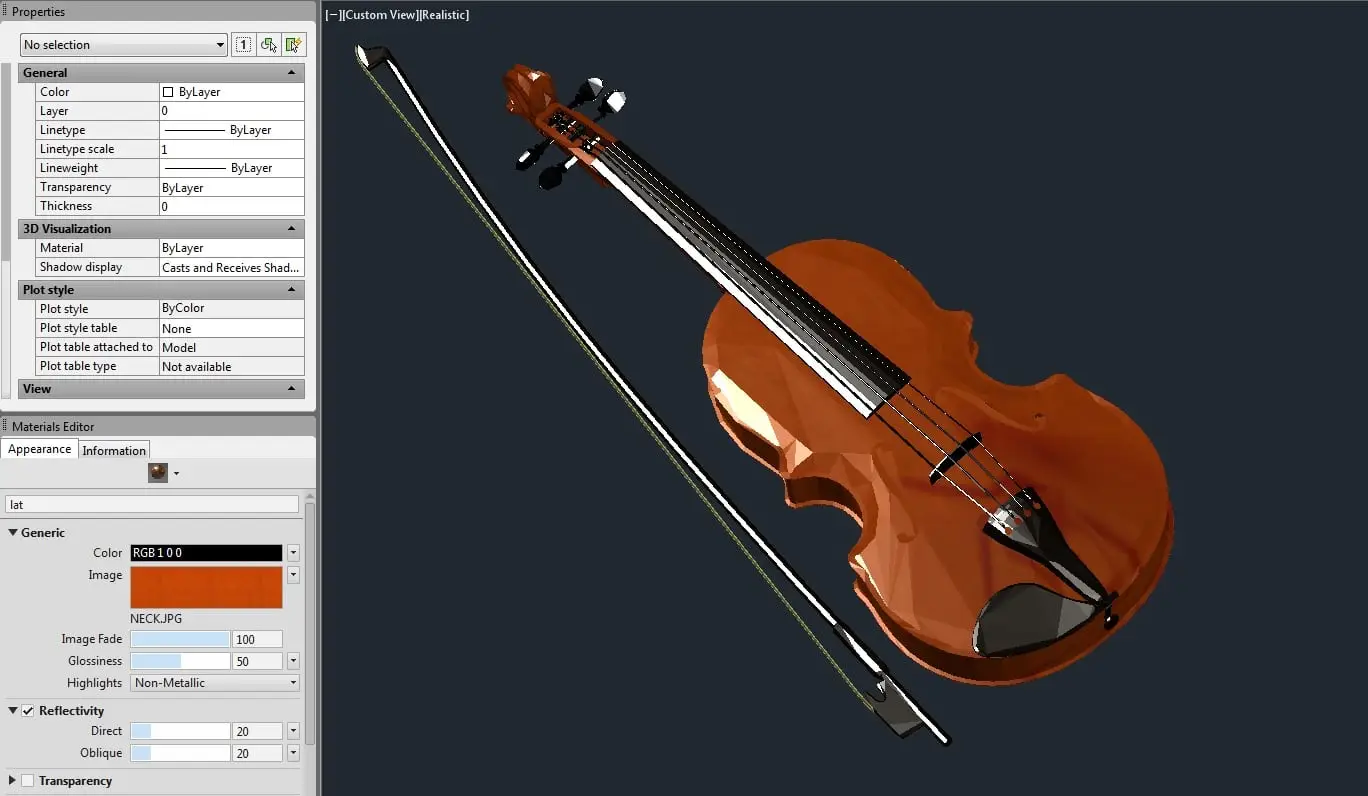
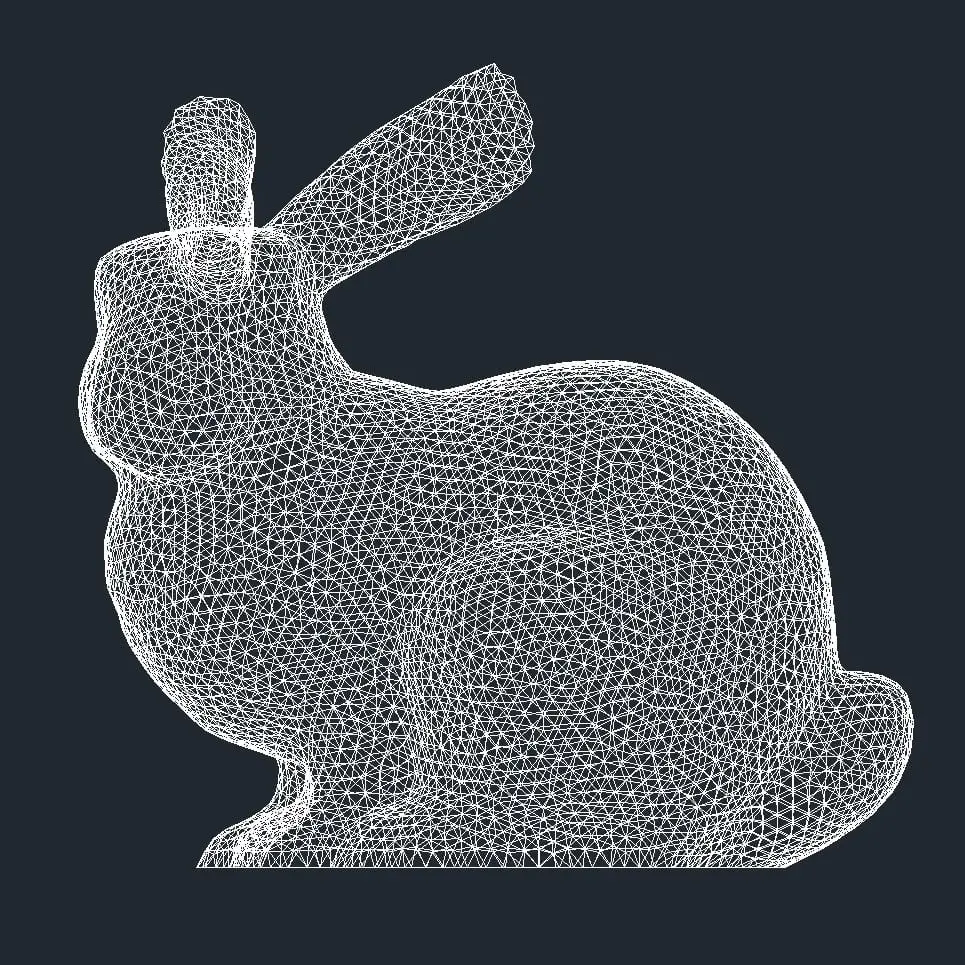
AutoCAD’s standard CONVTOSOLID command can fail when imported Mesh or Polyface Mesh objects contain gaps, non-manifold edges, duplicate faces, self-intersections or other geometric defects.
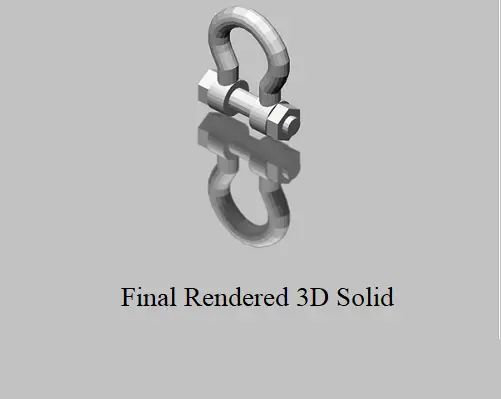
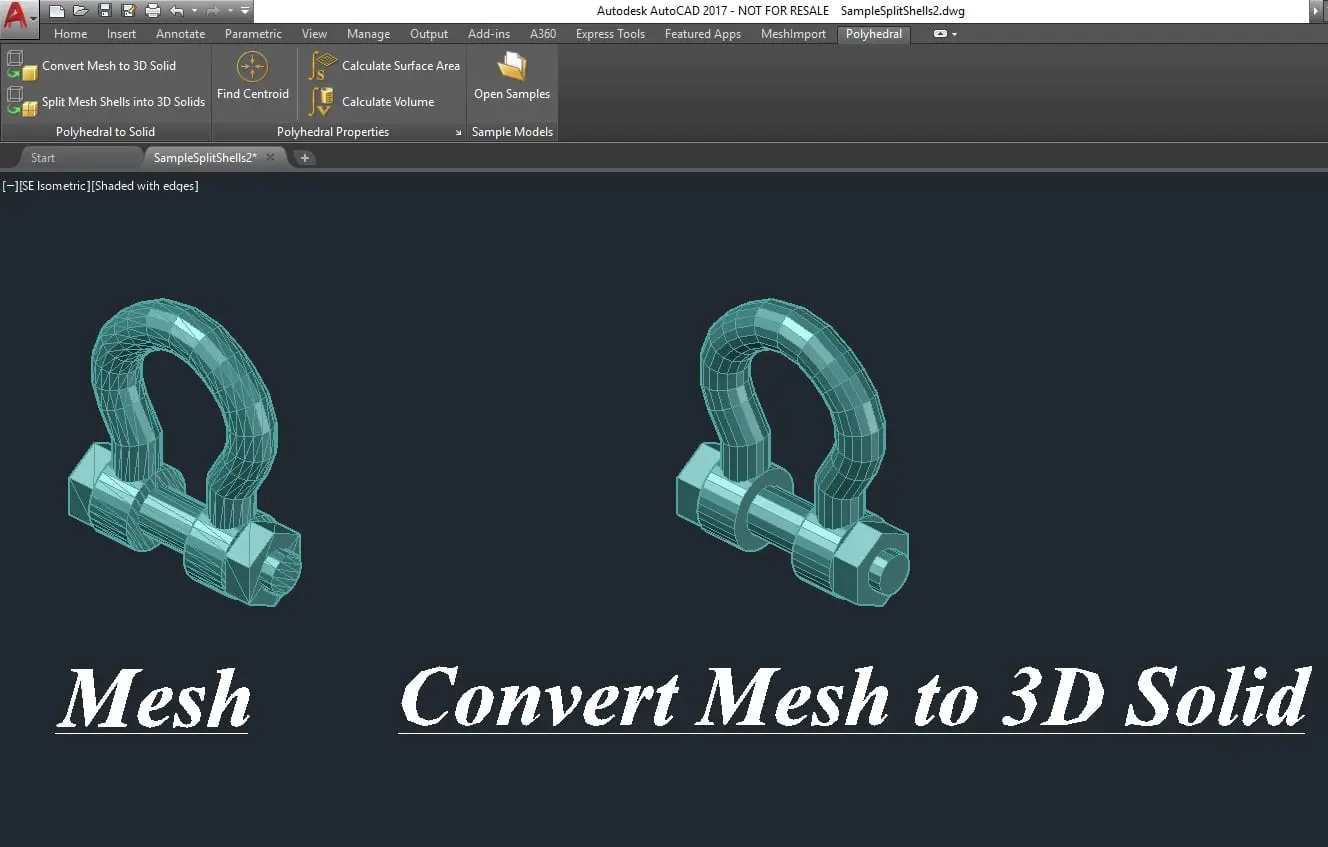
CodeDog Polyhedral Mesh to Solid Version 3.0 is designed to repair difficult mesh geometry and convert it into native AutoCAD 3D solids, including many models that AutoCAD cannot normally convert.
The software can automatically repair common mesh defects, process multiple selected objects in a single operation, separate disconnected mesh shells and verify the resulting AutoCAD 3D solids.
This is particularly useful when working with complex structural steel models, imported engineering geometry, Tekla-derived models and large collections of triangulated objects.
Download the free trial to test whether your own meshes can be successfully converted before purchasing a licence.
For a detailed explanation of why AutoCAD mesh conversion
fails and how to identify common mesh defects, read our
AutoCAD Mesh to Solid Troubleshooting Guide.
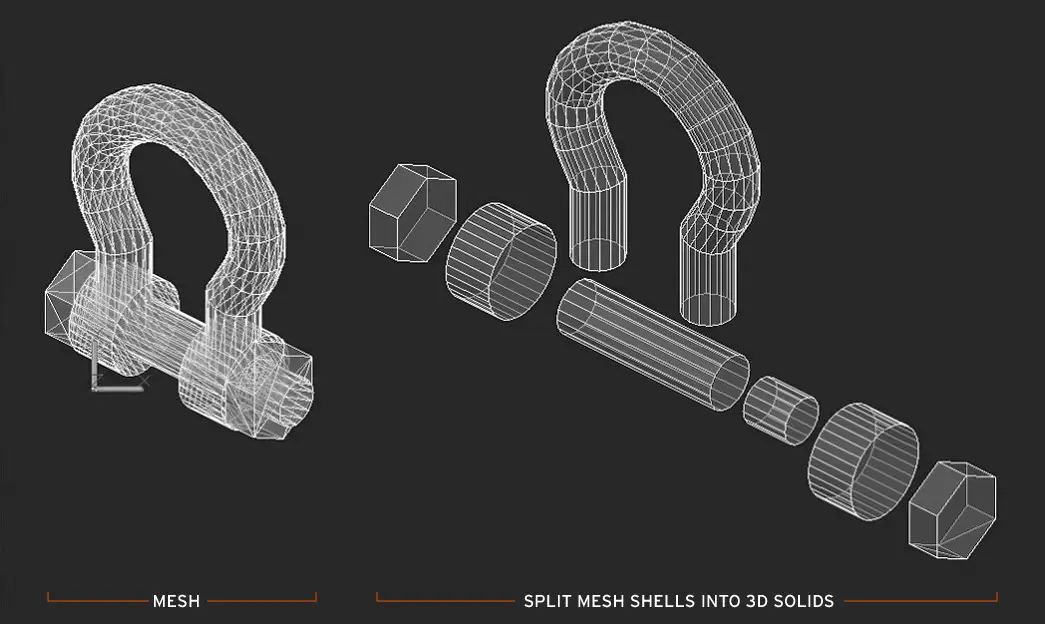
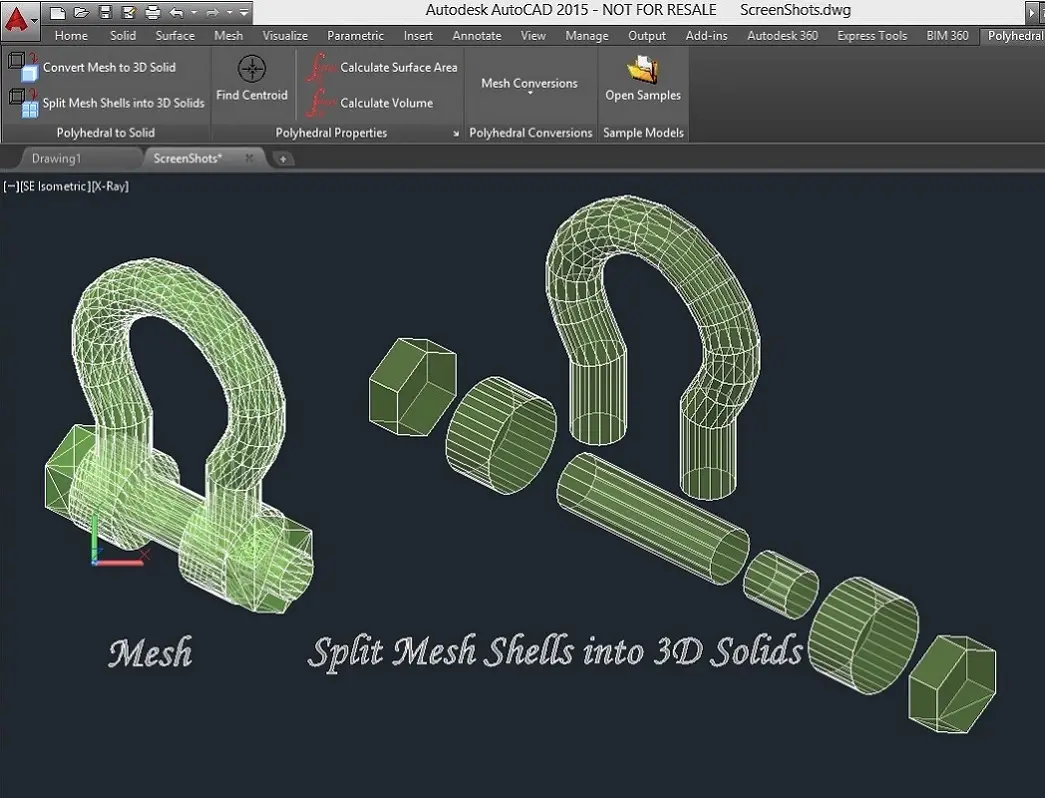
The software can also be used to split a mesh into its component shells if desired, producing a separate 3D solid of each shell within a single mesh.
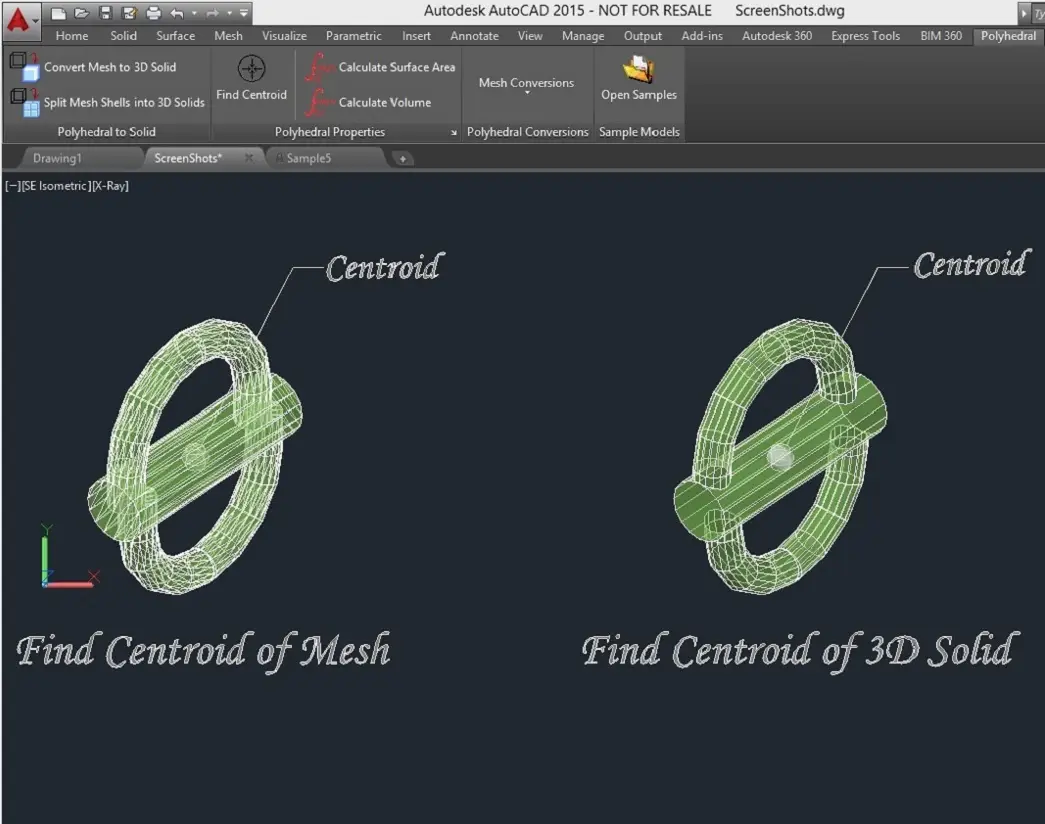
Our software also locates and displays the position of the Center of Mass for a single object or for a group of objects (using a density of 1, for all objects). This functionally works in conjunction with either 3D Mesh or 3D Solid objects or a combination of both.
The following Polyhedral Mass Properties can be displayed and/or written to a file:
Each licence is issued to the purchasing individual or company and permits use by up to five users or computers belonging to that purchaser. The licence key must not be transferred or shared outside the licensed company. After purchase, your licence key will be emailed to you; no computer request code is required. The key will remain valid for the selected licence term.